Map Overview
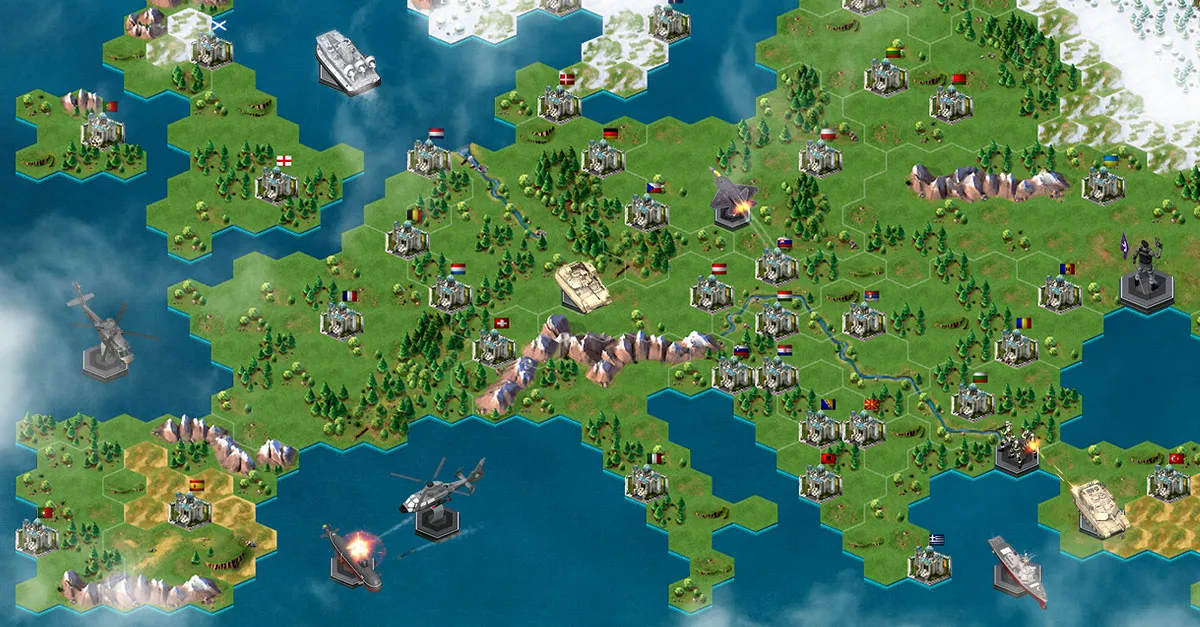
The Map in World War Online is divided into three main views, each providing different levels of detail for strategic planning and navigation.
Map Views
| View | Purpose | What You See |
|---|---|---|
| Continent View | Strategic overview | Continents, districts, capitals |
| District View | Tactical planning | Bases, armies, battle reports |
| Base View | Actions and details | Base info, attack/upgrade options |
Navigation Flow
Continent View → District View → Base View
     ↑              ↑              ↑
  Zoom out      Click district   Click base
Continent View
The broadest view shows the entire continent you're currently in, including:
- All districts within the continent
- Capital locations for competitive play
- General troop positioning
District View
Clicking on any district opens the tactical view showing:
- All bases within the district
- Your army positions
- Enemy unit positions (visible and targetable)
- Recent battle reports
Base View
Clicking on a specific base provides:
- Base type and level information
- Action buttons (attack, upgrade, train)
- Resource production details
- Defense configuration options
District Types
The map contains three types of districts:
| Type | Description | Special Features |
|---|---|---|
| Guerrilla | Standard land districts | Air and Land units |
| Coastal | Districts near water | Navy unit production |
| Capital | Country capitals | Battalion warfare objectives |
Key Map Features
- Enemy visibility - See enemy units positioned in districts
- Base tooltips - Hover over bases to see type and details
- Battle reports - View the 5 latest battles in each district (last 2 hours)
- Movement controls - Move units between districts and continents
Related Guides
- Continent View - Strategic continental navigation
- District View - Tactical district management
- Base View - Base interactions and actions
- Unit Movement - Moving your armies
January 29, 2026
⚠️ In case of any discrepancies, the in-game information in World War Online is the authoritative source of truth.